Quoting with Assurant’s Individual Medical Desktop Software

After logging into www.iezquote.com/members, click on the Software/Mobile Office Updates link under the Navigator, then right-click on “Button 4: Time Individual Medical” and select Save Target As to save file imsetupmga.exe to your Desktop. After downloading the file, double click to install it.

Download Desktop Software from IEZ Quote (Button 4).


Download Desktop Software from IEZ Quote (Button 4).
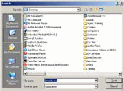
Save IM Quoting Software to your Desktop then install.

Save IM Quoting Software to your Desktop then install
Launch program and Enter Agency Data from the Tools Menu.
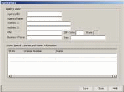
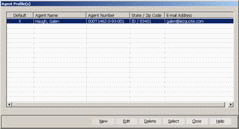
Enter Agent Profile from the Tools Menu.

Enter Agent Profile from the Tools Menu.
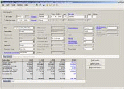
Enter Client Information starting with the ZIP Code.

Enter Client Information starting with the ZIP Code.
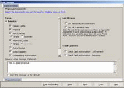
Print Manager with selectable sections.

Print Manager with selectable sections.
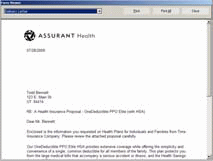
Delivery Letter by email or postal mail.

Delivery Letter by email or postal mail
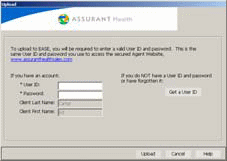
Upload to Assurant’s EASE procedure (more on this later).